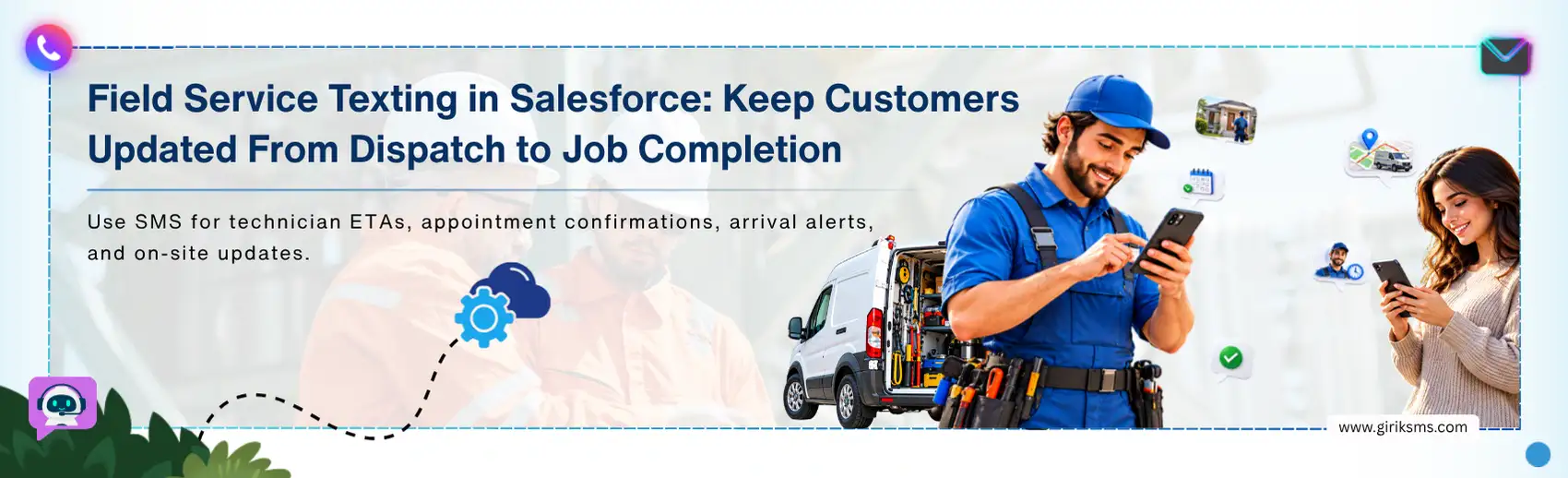
A field service appointment may start with a confirmation, but the customer often needs more information as the visit gets closer. They may need a reminder — want to know when the technician is on the way or need an update if the schedule changes.
What seems like a few simple messages to the customer actually depends on what is happening with the service appointment at each stage.
However, keeping those updates aligned can become a little challenging when appointment details, technician schedules, Work Orders, or job status change. Customers still expect timely updates, while service teams need those messages to stay aligned with the latest information in Salesforce.
This is where field service SMS Salesforce workflows can help connect service activity with customer communication — keeping updates relevant from appointment confirmation through technician arrival and job completion.
Why Use SMS for Field Service Communication?
Field service teams need to keep customers informed before, during, and after a service visit. With field service SMS in Salesforce — those updates can stay connected to the service information available in the CRM.
Instead of relying on calls or manual follow-ups, teams can use SMS when:
- A service appointment is confirmed
- A field service appointment reminder is due
- A technician’s ETA changes
- A technician is dispatched or on the way
- A delay affects the customer
- A service visit is completed
How Does Field Service SMS Work with Salesforce?
Field service texting connects what is happening with a service appointment to the message a customer receives. The workflow generally goes through the following connected stages:
01
Stage 01
An appointment is created or updated
The service appointment is booked on Salesforce, and data including customer, date, time, place, and technician are added to it. Changes made through field service scheduling can also update the appointment information used for communication.
02
Stage 02
A change creates a reason to notify
Once something happens with the appointment—such as a confirmation, dispatch, delay, or technician's departure—the workflow recognizes that the customer needs an update.
03
Stage 03
Salesforce triggers the right message
The workflow uses the appointment information and the event that occurred to determine which SMS should be sent, much like other automated SMS workflows in Salesforce. A scheduled appointment may initiate a confirmation, while a technician leaving the job might trigger an ETA update.
04
Stage 04
The update is delivered to the customer
The update reaches the customer when it becomes relevant, eliminating the need to make another call or send out a separate message manually.
05
Stage 05
The message stays connected to the service activity
The customer’s communication remains tied to the Salesforce appointment, so the service team can see the updates alongside the service activity as the job progresses.
Key Field Service SMS Use Cases in Salesforce
Once SMS is connected to the service workflow, different appointment events can trigger different customer updates. Some of the most common use cases are:
Field Service Appointment Reminders
A customer may know that a service visit is scheduled but may still need a reminder as the appointment gets closer. Field service appointment reminders can help customers get information about the visit and the scheduled time, using automated texts from Salesforce.
Technician ETA Texts
Knowing the appointment window is useful— but customers often want to know when the technician is actually on the way. A technician ETA text can provide that update as the visit approaches — giving the customer a clearer idea of when to expect the technician.
Dispatch and Schedule Updates
A service appointment does not always go exactly as planned — a technician may be dispatched; an appointment may be delayed, or the schedule may change. A dispatch SMS Salesforce workflow can keep the customer informed when those changes affect the visit, instead of leaving the service team to communicate each update manually.
On-Site and Job Completion Updates
Communication does not have to stop when the technician reaches the location. An on-site message can let the customer know the technician has arrived — while a completion message can confirm that the service visit is finished and explain what happens next.
Things You Need for Field Service SMS in Salesforce
A connected field service texting workflow needs a few basic elements:
- Service data: Information such as customer details, Service Appointments, technician assignments, and Work Orders form the context of each message.
- SMS integration: Messaging capability enables Salesforce to communicate directly with the customer through their phone.
- Templates for messages: Predefined templates facilitate common notifications like confirmation, dispatch notifications, delay notifications, and completion of services.
- Automation: Salesforce Flow or another automation tool can trigger messages when service events occur, such as a dispatch SMS update for Salesforce when a technician gets dispatched.
- Team visibility: Keeping communication connected to the service activity lets dispatchers and agents see what the customer has already been told.
Field Service SMS Salesforce Best Practices
When text messaging becomes integrated into the service process, a few best practices will help ensure customer communication remains accurate and valuable throughout the process:
- Send trigger messages based on the service activities: Messages, such as confirmation, reminders, updates, and ETA notifications for the technician should be sent when there is a service activity performed.
- Use the most current data about the services: It is important to add the most up-to-date information regarding appointments and technicians when the schedule has changed.
- Do not send old messages: Whenever there have been any changes to the schedule (rescheduling, delays, or cancellations) — avoid sending outdated messages.
- Integrate messaging into Salesforce: Each customer notification should be connected with the particular service activity performed.
- Instruct customers on what to do further: Indicate clearly whether the customer needs to confirm the appointment, re-schedule it, or provide more information.
Concluding Words
The communication of field service doesn't end once the appointment is made. Customers might need a notification prior to the appointment, an update during the technician’s arrival, or even an update after completion of the service. Field service SMS Salesforce workflows enable such updates to the service data already managed in Salesforce.
When all appointment details are linked together, the service team will not have to do any manual communication to keep the customer updated. The result is a more consistent communication experience throughout the service journey.