



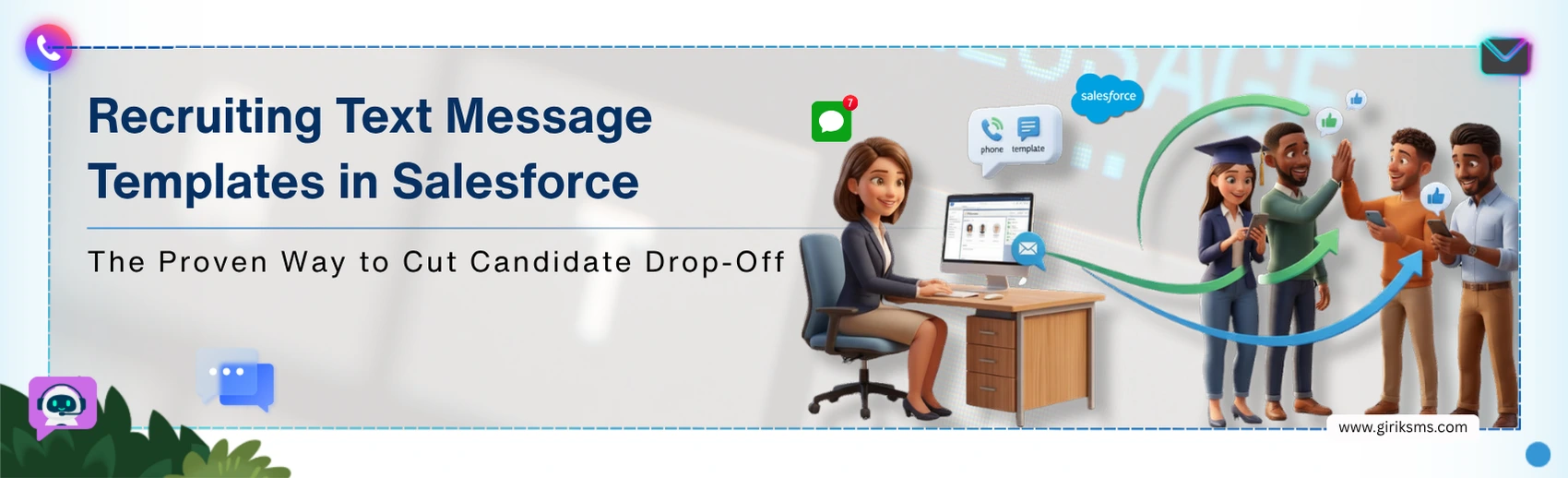
Candidates tend to feel ignored if not timely catered to. If you're not reaching out to a candidate within the first 24-hour of being reached out to, it can show a lack of interest and push them toward other offers. Email has not solved this problem with a recruiter outreach frequently getting delayed or ignored. SMS, however, delivers consistent visibility with better readability rates and near‑immediate reply. SMS automation with Salesforce is therefore, offering fewer drop-offs, faster responses, and pipelines that move.
SMS marketing in Salesforce offers recruiting text message templates that come with personalized, instant and engaging ways to connect with hires. In this blog, we explore free recruiter text message templates that staffing firms can use and discuss SMS templates and automation strategies for high-performing agencies to sustain candidate connections.
How Salesforce Hiring Workflow Automation Fixes Candidate Drop-Off
Faster first contact as automated triggers sends the moment a candidate's status changes, no manual send required.
Fewer no-shows, timely interview reminders via SMS reduce appointment abandonment in a measurable way.
Save recruiter time by automating outreach templates and reduce repetitive follow-up messages
Candidates get similar level of interaction, regardless of recruiter's schedule, ensuring a uniform experience and protecting credibility.
7 Steps for Developing High-Converting Recruiter SMS Templates
1. Personalization in Text Message Templates
Custom messages like using a candidate's name in every recruiting template, make them relevant, personal, and not generic. Salesforce field mapping can help, as it automates the process, and the effect on reply rates is consistent enough to be followed without giving a miss.
2. Aim for One screen, One read
When a recruiter’s message breaks into multiple texts, candidates often skim or skip. Deliver a single, short text: who you're, the reason to contact them, and mention the next steps. Using anything more leads to low engagement and reduced clarity.
3. One Action Per Message
Avoid having texts that ask for multiple actions because candidates often lose interest. Make each follow‑up have one clear request to maintain long-term response rates and for better completion rates. Across all stages of candidate outreach, the same rule should apply to your recruiting text message templates.
4. Time Your Sends Intentionally
Recruiting communication software must not send texts outside business hours. They seem intrusive, and candidates who feel intruded upon don't respond; they opt out. Configure delivery between 9 AM and 6 PM in the candidate’s local time zone. Once the setup is complete, Salesforce recruiting automation manages the rules without further input. Therefore, avoid redundancy to keep the process moving seamlessly.
5. Adjust Tone by Funnel Stage
A candidate at the offer-stage and a fresh applicant needs different text recruiting examples. Early outreach can become warmer and more informational. Later-stage messages should be brief, direct, and confident. The tone itself conveys the progression of the process, it's to underscore certainty, value their time, and convey readiness to finalize.
6. Always Identify Who's Texting
Candidates often engage with multiple organizations simultaneously. Make sure each recruiter's text message shows who you are and who you represent. Clear identification is a basic professional requirement that prevents confusion and ensures the message is taken seriously.
7. Use Salesforce data to improve over time
Staffing agency texting isn't a configure-once function. Reply rates, delivery rates, and conversion performance vary by message format, by process phase, and by candidate group. Use data from Salesforce reporting. Adjust what's not working and focus on what closes the deal. Agencies with strong pipelines manage SMS templates as active assets. They refine and update them with each hiring cycle to keep communication relevant and effective.
How to Set Up Hiring Workflow Automation in Salesforce
Start by identifying every stage where candidates are currently drop-off the funnel. This where Salesforce supports SMS automation needs to live, then follow these steps:
Use a Salesforce-native SMS app that shows support for two-way messaging, a template library, and is opt-out compliant. All these aren't optional, but essential elements of every hiring workflow automation solution.
Build Salesforce Flows for each drop-off point are triggers that can be based on stage changes, record creation, or date proximity; each one becomes an automated send without recruiter intervention.
Map your recruiter text message templates to candidate and job records using dynamic Salesforce fields, so every automated message pulls accurate, role-specific information.
Reporting dashboards from the start. Without such insight, you don't have the visibility into the results of delivery, candidate replies, and the channels that are driving candidates through the funnel.
Conclusion
Speed and consistency should be valued than the volume of texts shared with the candidates. SMS inside Salesforce is built to deliver both. So, audit your current workflow, and find the stages where candidates go dark. Also, you need a Salesforce‑native SMS application that can automate outreach at exactly those points, ensuring timely follow‑up, higher response rates, and a smoother funnel progression.