


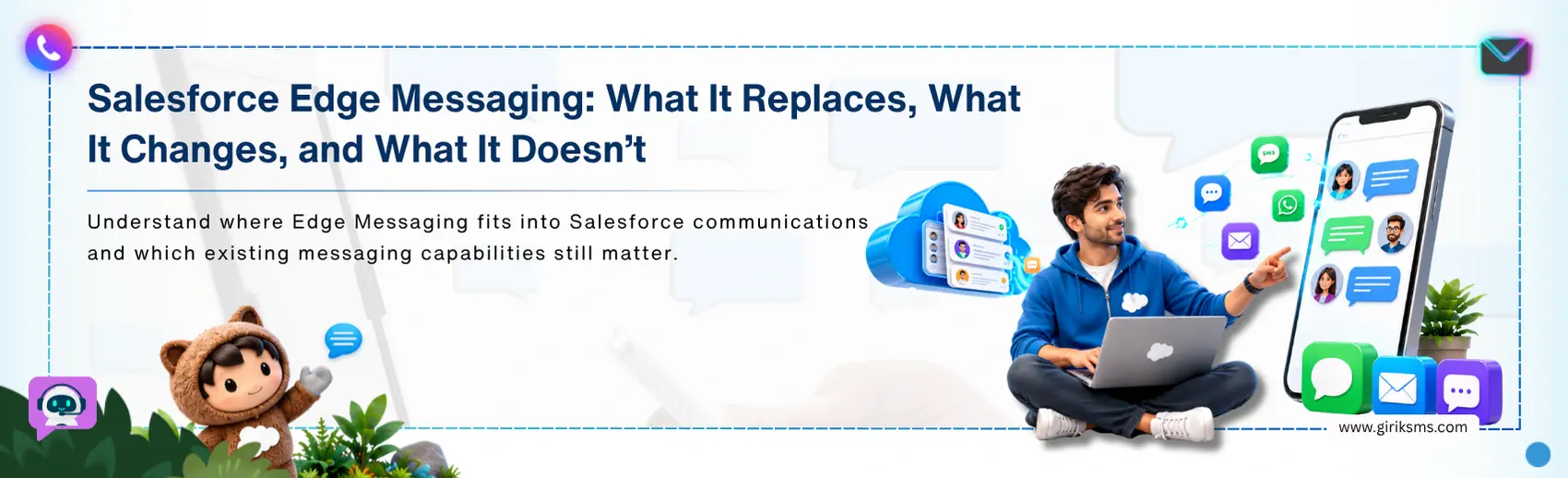
Live Chat has been retired by Salesforce, but many organizations are still working through the transition to Salesforce's newer messaging framework. For teams planning the move, the challenge is less about migration and more about understanding what changes after implementation. Will it replace the prior systems, or will it develop the architecture in one layer? The short answer: Salesforce Edge Messaging only updates how messages travel through web or mobile apps. Built on a global Edge network, it offers lower latency, higher security, and more scalability. The platform doesn't remove your current licensing or change the agent's workspace.
It's important to understand because Edge Messaging is often mistaken for a complete replacement of the Live Chat architecture. In reality, it affects only one part of the overall setup. So, let's understand this in detail. In this blog, we explain where Salesforce Edge Messaging fits, what it replaces, and what remains unchanged. Let’s explore this in detail. We’ll also share a few tips to help you successfully make the move from Legacy Live Chat.
How Does Salesforce Edge Messaging Work?
It routes customers' traffic via the distributed Edge nodes, not a single data-center connection. Handshake is completed by the nearest node, and then data is routed over optimized paths to the Salesforce instance. Since the distance is less, delays become less, and customers get instant responses.
The Edge nodes are positioned between the customer's device and Salesforce. They carry the conversation to Omni-Channel (an agent is assigned to the conversation) and Messaging Sessions and Cases remain within the CRM. Thus, Transport and workforce Management exist as separate layers.
Key features:
- Reduced message delays: real-time exchanges are immediate to the client
- Stronger security: protected through rigid protocols and controlled data residency, allowing sensitive conversations to be protected
- Session persistence: Asynchronous conversations flow freely between web and mobile apps
Edge Messaging vs Digital Engagement
| Factors | Edge Messaging | Digital Engagement |
|---|---|---|
| Nature | A routing and transport layer | An integrated process for authorizing licenses and channel bundle |
| Purpose | Speed, security, scale | Capacity and access to the channel |
| Licensing | Included in the platform upgrade | Separately licensed |
| Channels | Powers web and in-app sessions | Adds SMS, WhatsApp, and others |
| Routing | Shares conversations to Omni-Channel | Relies on Omni-Channel for assignment |
| Agent view | Unchanged | No changes to console, but more channels get added |
| Cost driver | Depends on implementation | Per-channel licensing |
| Best used for | High-volume, performance-critical routing | Expanding channel mix and licensing management |
For any Salesforce Digital Engagement licensing cost, budget owners should ask for an up-to-date quote, as the pricing varies by channels and volume.
What Does Salesforce Edge Messaging Replace?
It replaces three older patterns.
- Legacy Live Chat: These are web components that work only while a live session is open. So, when the session ends, the chat also ends, and users can’t continue the conversation.
- Standard messaging channels: Existing Salesforce messaging channels for the web and mobile move to Enhanced Messaging infrastructure with new powerful routing and media capabilities.
- Direct-to-data-center routing: Requests are sent through distributed Edge nodes rather than a single regional server, helping conversations start faster.
What Does Salesforce Edge Messaging NOT Replace?
There are four components that remain stable:
- Conversation Routing: It continues to control queue assignment, capacity limits, and agent availability.
- Digital Engagement licensing: Edge features enable/disable on the upgrade of a platform, though the licenses for third-party channels (SMS & WhatsApp) are still required.
- Agent Workspace: Users continue to work in the Service Console. Edge Messaging only changes how messages are delivered.
- Core CRM data models: The key data models: Messaging Sessions, Contacts, and Cases remain central.
The bottom line is queuing design and presence configuration, and console training will be valid; budgets for third-party channels will be independent of the others.
What Does Edge Messaging Setup Involve?
Before implementing a reliable Edge messaging setup, there are several prerequisites: make sure you have a Service Cloud license, current Messaging permissions, and Omni-Channel set up with the appropriate presence statuses. Do these steps:
- Enable Messaging: Turn on Messaging features by opening the Setup app, and selecting Messaging Settings.
- Create the channel: Add an Enhanced Messaging channel for customer conversations or connect to an external messaging platform
- Configure routing: Assign queues, Omni-Channel routing configurations, or Agentforce and Einstein Bots.
- Deploy web components: Messaging components can be added to Experience Cloud or external sites using the code snippet.
- Test and verify: Assess the connection latency and verify the agent status in Omni-Channel.
Pro Tip: If possible, use 'real queues' and 'peak-hour' in the test. The settings that were successful in a sandbox might not work in production configuration according to your routing rules.
How Should Teams Plan the Migration?
First of all, there should be an inventory of all active Live Chat deployments, pre-chat forms, custom scripts, and routing rules. Before cutover, decide what Edge messaging will replace from the features of Live Chat. This sequence lets you uncover loopholes while they're less costly to fix. Choose a Salesforce Live Chat to Enhanced Messaging migration service based on facts, not promises.
Check for documented history of migration from Live Agent, a well thought out testing strategy and support after launch. Ideally, Salesforce Edge Messaging implementation partners should possess necessary experience with architecture validation, have necessary certifications along with a custom LWC implementation, and security compliance.
3 pitfalls deserve early attention:
- Conversations can end up in the wrong place when existing configurations are not carried over
- Access to previously shared content becomes unreliable when media references expire or break
- Information shared during earlier conversations may no longer be available when needed
Conclusion: Next Steps to Know
With Live Chat discontinued, migration is no longer a decision that can be deferred. Salesforce Edge Messaging, by providing speed, agility, and security at scale, has offered a solution to modernize business communications. It also improves how messages are delivered but doesn't replace licensing, routing, or the agent's workspace. Before making the move, analyze current deployment, confirm requirements, and plan spending carefully. Teams ready to advance can Buy Salesforce Messaging for In-App and Web through Salesforce, and ensure compliance, stability, and a smooth cutover. Remember, moving early ensures continuity and prepares your business for seamless engagement across channels.