



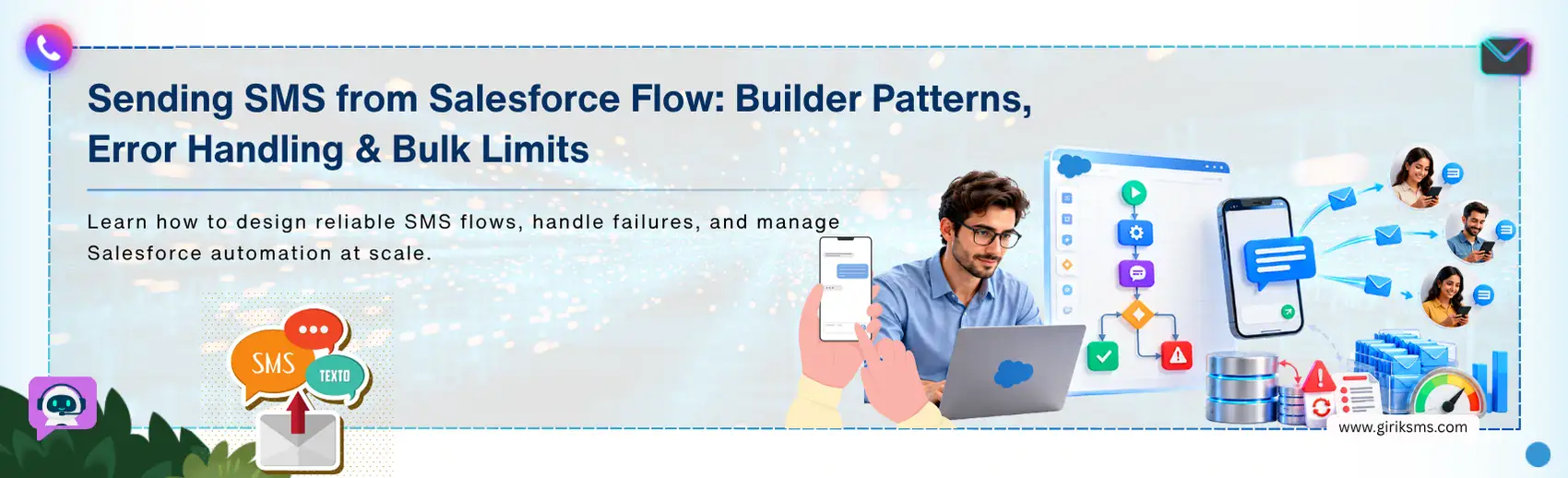
An SMS may only be a few lines long, but in Salesforce, sending one can involve much more than a simple 'Send' action. Once SMS becomes part of an automated customer journey, the Flow has more to keep track of than the text itself. The message has to assemble correctly. Delivery can fail. And at scale, the Flow ends up processing far more records than it ever saw during testing.
With that many moving parts, even a straightforward Salesforce Flow SMS implementation calls for careful planning. A solution that works perfectly for one record can run into errors or bulk limits once it's live. This guide walks through practical builder patterns, error-handling strategies, and bulk considerations for SMS flows that hold up in real-world use.
How Do You Build a Salesforce Flow SMS Action?
The SMS step in Flow Builder looks simple because most of the work happens behind the action. Two decisions actually shape this action: where the values come from, and when the message fires. For the message itself, skip the long concatenated string inside the action. A text template holds up better, combining fixed text with Salesforce fields while staying reusable as the Flow changes.
Message length matters too. While GSM-7 encoding enables standard SMS to have up to 160 characters per message segment, this limit is reduced rather quickly. Just including one emoji in your text will make your message encoded using UCS-2, which will reduce the number of characters per message segment to 70. A Flow builder SMS action built without accounting for this can quietly split one text into several billable segments.
The other consideration is the transaction. A record-triggered Flow doesn't run on its own. It executes inside the same Salesforce transaction that created or updated the record. Fire an external SMS callout before that transaction commits, and Salesforce's callout restrictions get in the way. Most teams route around this by moving the send into something asynchronous, like Queueable Apex or a Platform Event, outside the original transaction.
How Should a Flow Handle Failed SMS Sends?
A successful send is only one possible outcome. The Flow also needs a defined path for invalid phone numbers, missing consent, provider errors, and temporary failures. Start with what Salesforce can identify before sending: a decision element can check whether a phone number exists and whether the recipient is eligible, and an opt-out flag can be handled the same way.
Provider-side failures need a different approach. A timeout or rate-limit response may be temporary and worth retrying; an invalid destination usually is not. The Flow's fault path can capture an error raised by the action, while a provider may report later delivery failures through a status update or webhook. Every retriable send needs an attempt ID or idempotency key attached to the request. That's what lets the delivery process tell a genuine retry apart from a duplicate before it goes out.
What Happens When a Flow Sends SMS in Bulk?
A Flow that works for one record still needs to be tested against bulk execution. Record-triggered automation can be invoked by data loads, integrations, or mass updates, causing many Flow interviews to run at once. The risk increases when every record creates its own external request: Salesforce applies transaction-level limits to Apex or HTTP callouts, while the SMS provider has its own throughput or rate limits, so a design that works for a few records can behave differently when hundreds trigger it together. The safer pattern separates record processing from message delivery:
- Flow: Determines which records need an SMS.
- Message data: Prepares the recipient, message, and relevant identifiers.
- Asynchronous process: Handles the external send outside the original transaction.
- Delivery layer: Controls request volume, retries, and provider responses.
- Logging: Connects each result back to the Salesforce record.
If the provider offers a bulk API, multiple messages can be submitted through one request. If it requires individual requests, the delivery layer controls the sending rate instead. This is where Salesforce Flow SMS design has to account for both Salesforce limits and provider limits.
How Do You Design a Flow for Reliable SMS at Scale?
The right architecture depends on message volume, the provider, and how failures need to be handled. A low-volume Flow may use the configured messaging action directly. Higher-volume processes usually benefit from separating the Salesforce transaction from the actual SMS request, so the Flow decides whether a message should be sent while a separate delivery layer handles the external request, rate control, retries, and provider responses, then logs the result back to the record.
This separation makes it easier to send text from Flow without making Flow responsible for every delivery concern. For teams looking to automate SMS with Flow at scale, the goal is to give each layer one job: Flow owns the Salesforce-side logic; the sending mechanism owns delivery.
What Should You Test Before Deploying an SMS Flow?
Before deployment, test the complete path rather than checking only whether a message arrives.
Recipient and message checks
- Valid and invalid phone numbers
- Missing numbers or SMS opt-outs
- Empty message fields
- Emojis and non-Latin characters
Failure checks
- Provider timeout
- Rate-limit response
- Invalid destination
- Flow fault-path behavior
- Retry behavior
- Duplicate prevention through the attempt ID
Volume checks
- Multiple records triggering the Flow together
- Salesforce transaction limits
- Provider throughput limits
- Delays between Flow execution and message submission
- Duplicate sends during retries
Each send should be traceable through the Salesforce record, attempt ID, status, timestamp, and provider response where available.
Conclusion
A dependable Salesforce Flow SMS build comes down to three questions, answered before deployment rather than after: when should the message send, what happens when it fails, and how does the design hold up when hundreds of records trigger it together? Get that right, and the Flow stays reliable long after the first successful test send.